


-560x560.jpg)
-560x560.jpg)
How to Program Ford Car Keys
How to Program Ford Car Keys – A Complete Guide
-
Transponder Keys — Chip-based keys that require programming to start the vehicle
-
Remote Head Keys — Combine the remote fob and transponder chip in one unit
-
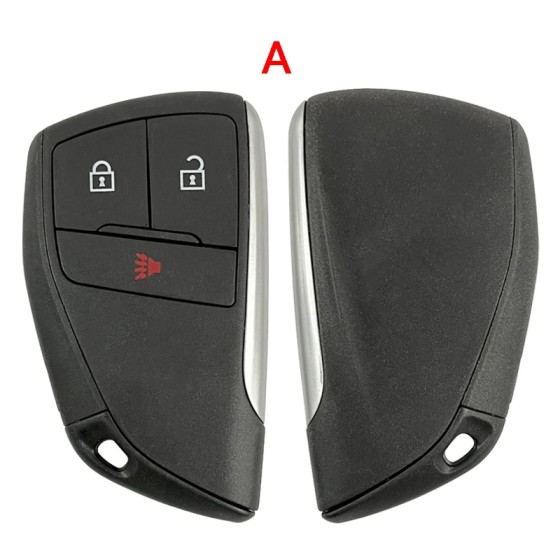
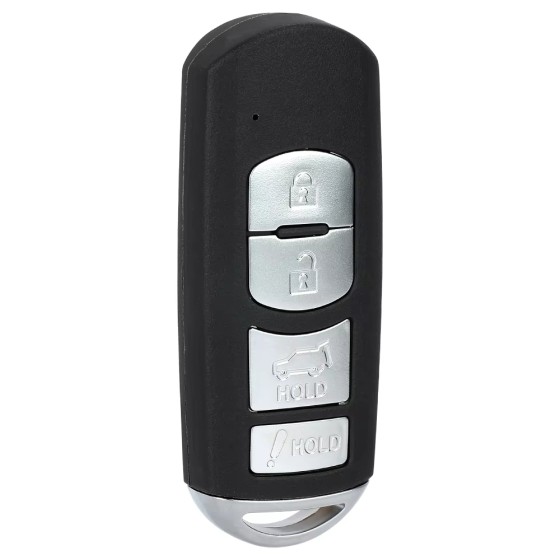
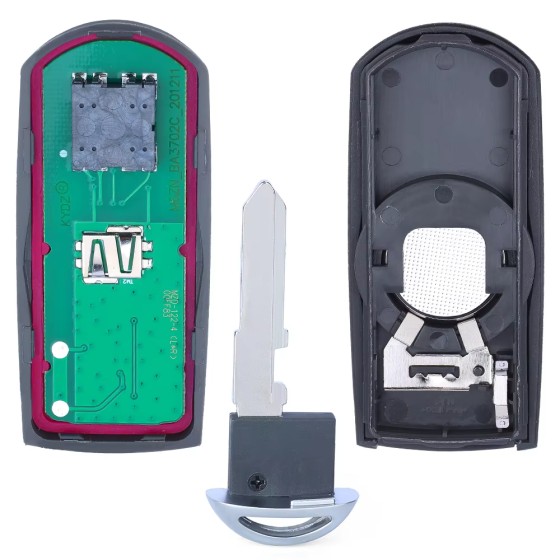
Smart Keys — Proximity-based keys for push-start vehicles; the most advanced type
-
Insert the first working key and turn to the ON position (do not start the engine)
-
Wait 3 seconds, then remove the first key
-
Insert the second working key and turn to ON within 10 seconds
-
Wait 3 seconds, then remove the second key
-
Insert the new key you want to program within 10 seconds
-
Turn to ON and wait 6 seconds
-
Turn back to OFF, then try to start the engine
-
Ford F-150 / F-250 / F-350 — N5F-A08TDA Flip Key (2015-2020)
-
Ford Fusion / Escape / Explorer — N5F-A08TAA Flip Key (2013-2016)
-
Ford F-150 Smart Key — M3N-A2C31243300 (2013-2017)
-
Ford Smart Key — M3N-A2C931426 (2017-2020)
Can I program a Ford key myself?
It depends on your Ford model and year. Older Ford vehicles (2010 and earlier) can often be self-programmed using two working keys. However, Ford models from 2011 onwards typically require professional OBD2 programming equipment.
How many keys do I need to program a new Ford key?
For self-programming on older Ford models, you typically need at least two working keys. If you only have one working key, you will need to visit a Ford dealer or professional locksmith.
How much does it cost to program a Ford key at a dealership?
Ford dealership programming fees typically range from $50 to $200 depending on the key type and your location. A professional locksmith is often a more affordable alternative.
What's the difference between a transponder key and a smart key?
A transponder key has a chip that must be programmed to start the vehicle. A smart key (proximity key) allows push-button start and does not require physical insertion into the ignition. Smart keys are more expensive and always require professional programming.